Use this tool to evaluate data from several different NanoSPECT calibration measurements, including CT Geometrical, Multi-Pinhole SPECT, and Near Field Flood.
Getting There
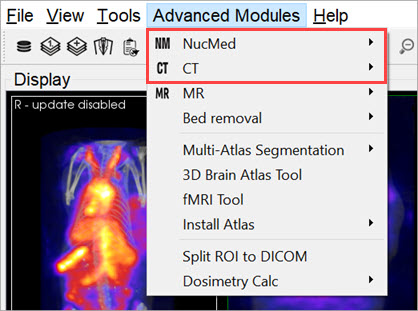
The Calibration menu is available in the Advanced Modules menu.
Function
To calibrate and maintain the NanoSPECT/CT imaging system, several calibration measurements are required. The Calibration menu provides options for analyzing:
Shortcuts
Advanced Keyboard Shortcuts
Mac: Ctrl = ⌘
| Shortcut | Description |
|---|---|
| Ctrl + B | Base NanoSPECT Configuration |
| Ctrl + Q | Quit MMP Calibration Tool |
| Ctrl + T | Toggle between pre- and post-correction images in the Near-Field Uniformity panel |